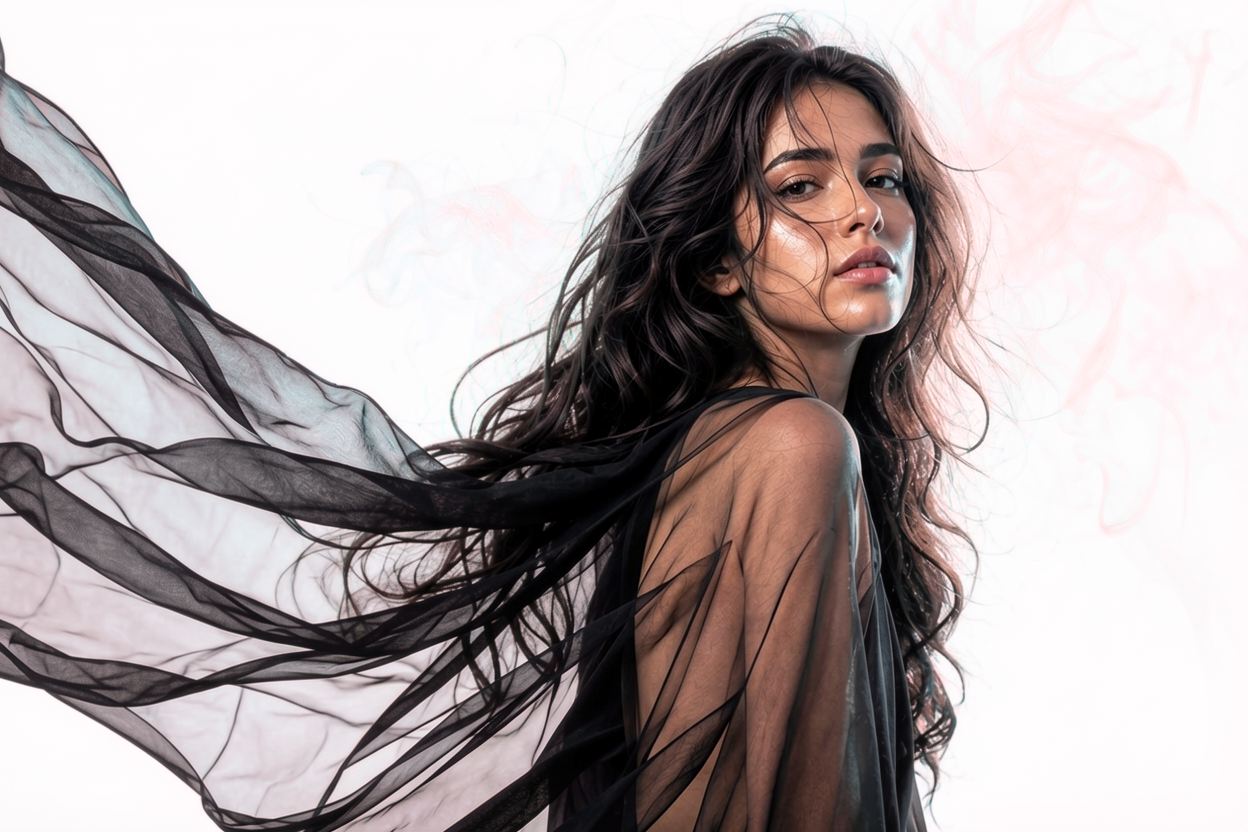
Portrait with translucent black chiffon and drifting smoke — true alpha preserves every wisp
Alpha · True transparency engine

Transparent backgrounds that keep glass, glow & smoke.

Upload a photo, get a PNG with real alpha — translucent elements like glass, ice, smoke, and neon glow stay semi-transparent. Every other tool flattens them.

  • True alpha PNG
  • EU servers
  • Auto-deleted in 24 h
images processed
120k+
average runtime
< 10s
pipeline uptime
99.7%
auto-delete window
24h
Finally — a cutout tool that respects the bottle, the ice, and the highlights. We dropped Photoshop masking from our pipeline.
Mara K.Senior Product Photographer
I shoot perfume on glass shelves all day. Alpha is the first tool that doesn’t turn the labels into stickers.
Devin R.Studio Lead, Noir & Co.
API + true alpha is exactly what our marketplace needed. 18k product shots reprocessed in a weekend.
Lukas P.CTO, Shelfly
How it works

Three steps, no fuss

From upload to download in under 10 seconds for most images.

  1. 01

    Upload your photo

    Drop in JPG, PNG or WebP up to 25 MB. Glass, smoke, hair — bring it on.

  2. 02

    We preserve translucency

    Our model keeps real semi-transparent pixels instead of binary masks.

  3. 03

    Download true alpha

    Get a PNG (or WebP) with a real alpha channel — drop it on any background.

Try it

See the difference

Drag the slider. Original on the left, our result on the right. Switch the background to see how true alpha behaves on any surface.


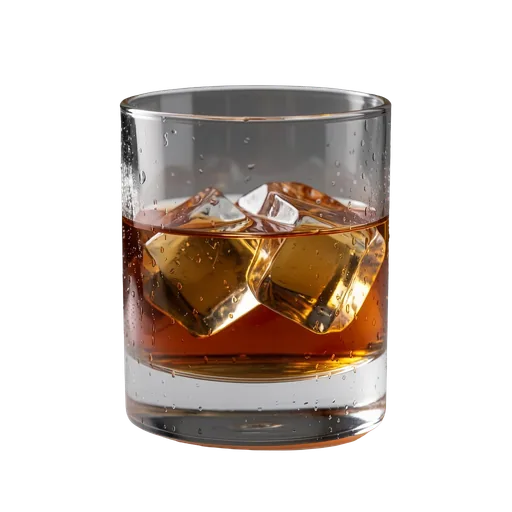
Whiskey glass with grey studio background — input imageWhiskey glass with transparent background — Alpha resultOriginalAlpha

Background

Side by side

How we compare

Same glass. Leading tools. You decide.

Input
Whiskey glass with grey studio background — input imageOriginal
Whiskey glass processed by remove.bgWhiskey glass with transparent background — Alpha resultremove.bgAlpha

remove.bg: Binary alpha — glass and ice become opaque.

Tested on 2026-04-15 with identical input. Results may vary as competitor tools evolve.

Built for

People who care about edges

If your work fails when transparency goes binary, you’re in the right place.

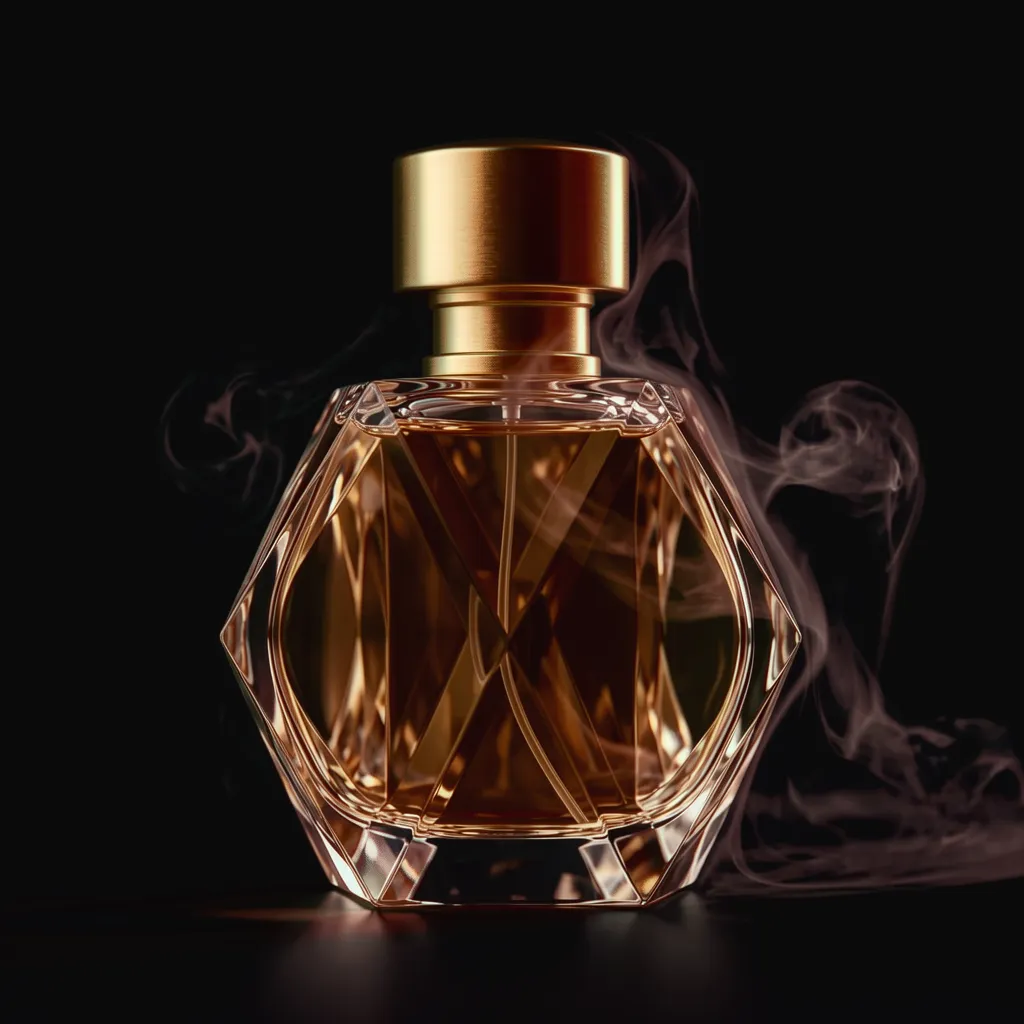
Crystal perfume flacon with atomized mist — translucent glass demo

E-commerce

Product shots that drop into any storefront layout — no flat outlines, no halos.
  • Glassware, jewelry, perfume
  • Batch-ready PNG output
  • Looks right on every theme
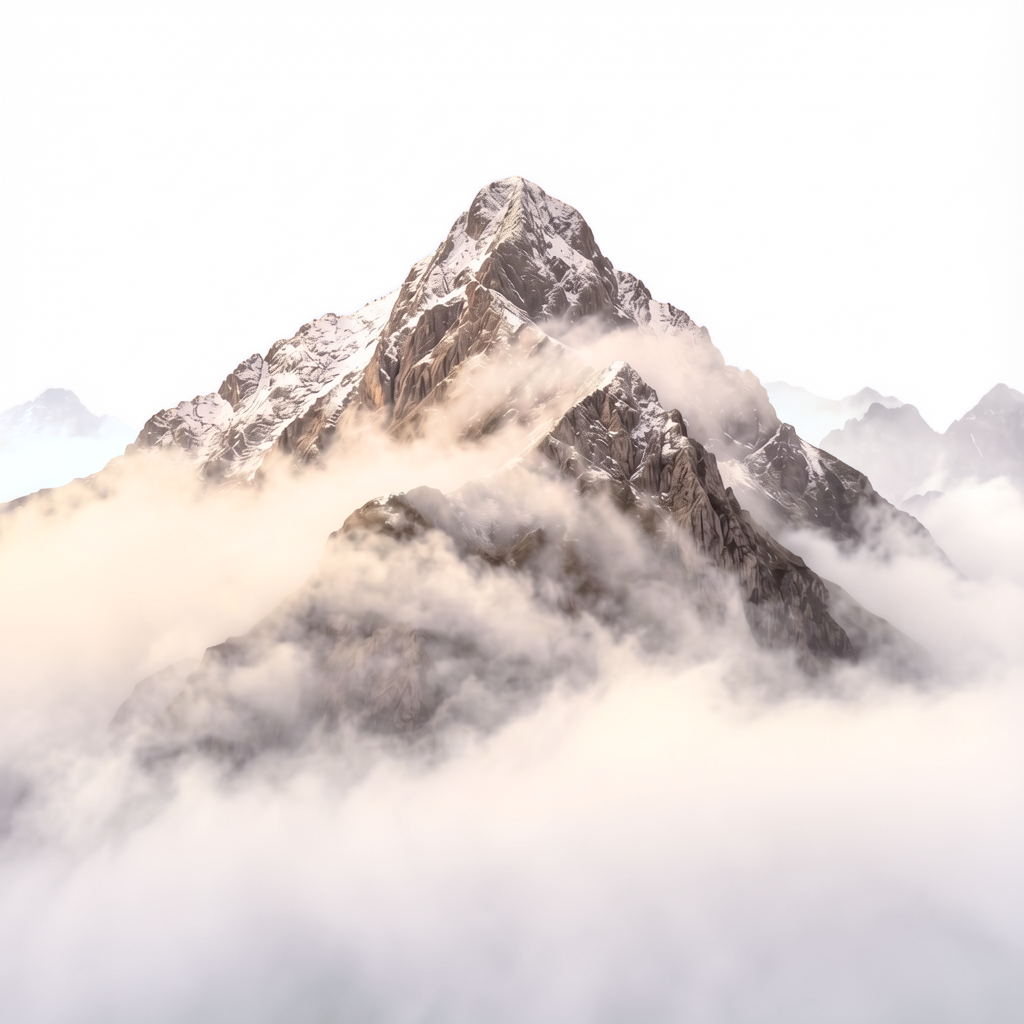
Mountain peak rising above a sea of fog — translucent mist demo

Photographers

Studio cutouts that respect the way light actually moves through translucent subjects.
  • Smoke, ice, glass, mist
  • No re-touching for soft edges
  • High-res, true alpha PNG
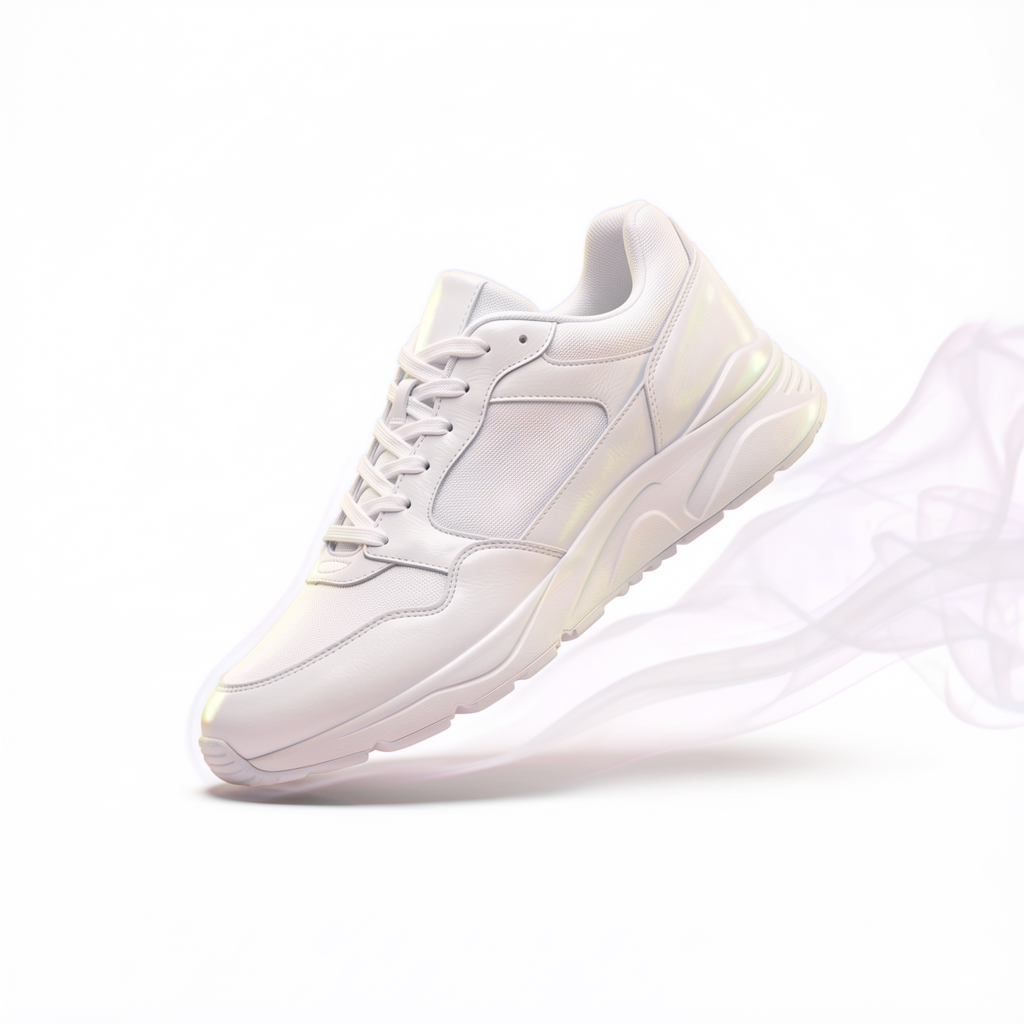
White athletic sneaker mid-stride with smoke motion trail — mixed alpha demo

Designers

Drop subjects onto gradients, photos, or video — the alpha channel does the work.

  • Composable on any backdrop
  • Plays nicely with Figma & PS
  • WebP for the web, PNG for print
Pricing

Pay for what you ship

Simple monthly plans. Cancel any time.

Starter Pack

Test the workflow before subscribing.

$3.99one-time
  • 10 generations
  • Tokens never expire
  • No subscription required
  • Available once per account
Try it
Most popular

Subscription

For regular creators. Top up any time.

$9/ month
  • 30 generations / month
  • Top-up packs available (up to 500)
  • Cancel any time
  • Tokens reset every 30 days
Get started

Just want to try it?

The Starter Pack is $3.99 for 10 generations — one-time, no subscription.

See all options

Top-up packs available on any subscription. GDPR-friendly storage; source images deleted within 24 h.

FAQ

Questions, answered

Quick takes on the things people ask before signing up.

What is "true alpha" and why does it matter?
True alpha keeps semi-transparent pixels — glass, smoke, glow, ice — actually translucent. Most tools collapse the alpha channel into 0 or 255, which produces hard edges, halos, and opaque glassware.
Which file formats are supported?
Upload JPG, PNG, or WebP up to 25 MB. We export PNG and WebP with a real alpha channel so you can drop the result onto any background.
How long does processing take?
Most images come back in under 10 seconds. Pro users get a priority queue, so peak-time processing stays fast.
What happens to my photos?
Uploads are processed on EU infrastructure and deleted automatically within 24 hours. We never use your photos to train models.
Can I batch-process images?
Yes — Pro and Team plans support batch upload. Team plans also include API access for fully programmatic pipelines.
Can I test Alpha before paying?
Yes — email us at alpha@perceptmind.com and we’ll set up a test workspace so you can see how Alpha handles your real images before committing to a plan.
Do you offer refunds?
If something goes wrong in the first 14 days of a paid plan, email us at alpha@perceptmind.com and we refund the full amount, no questions asked.
Ready when you are

Try it with your photos.

Want to test Alpha before committing? Drop us a line and we’ll set up a workspace for you.